
Seeds & Sprouts · Tasks and subtasks
Turn the next move into something you can do.
Seeds are concrete units of work. Sprouts are the smaller steps that grow from them. Together, they turn a broad intention into an action you can understand, begin, and finish.
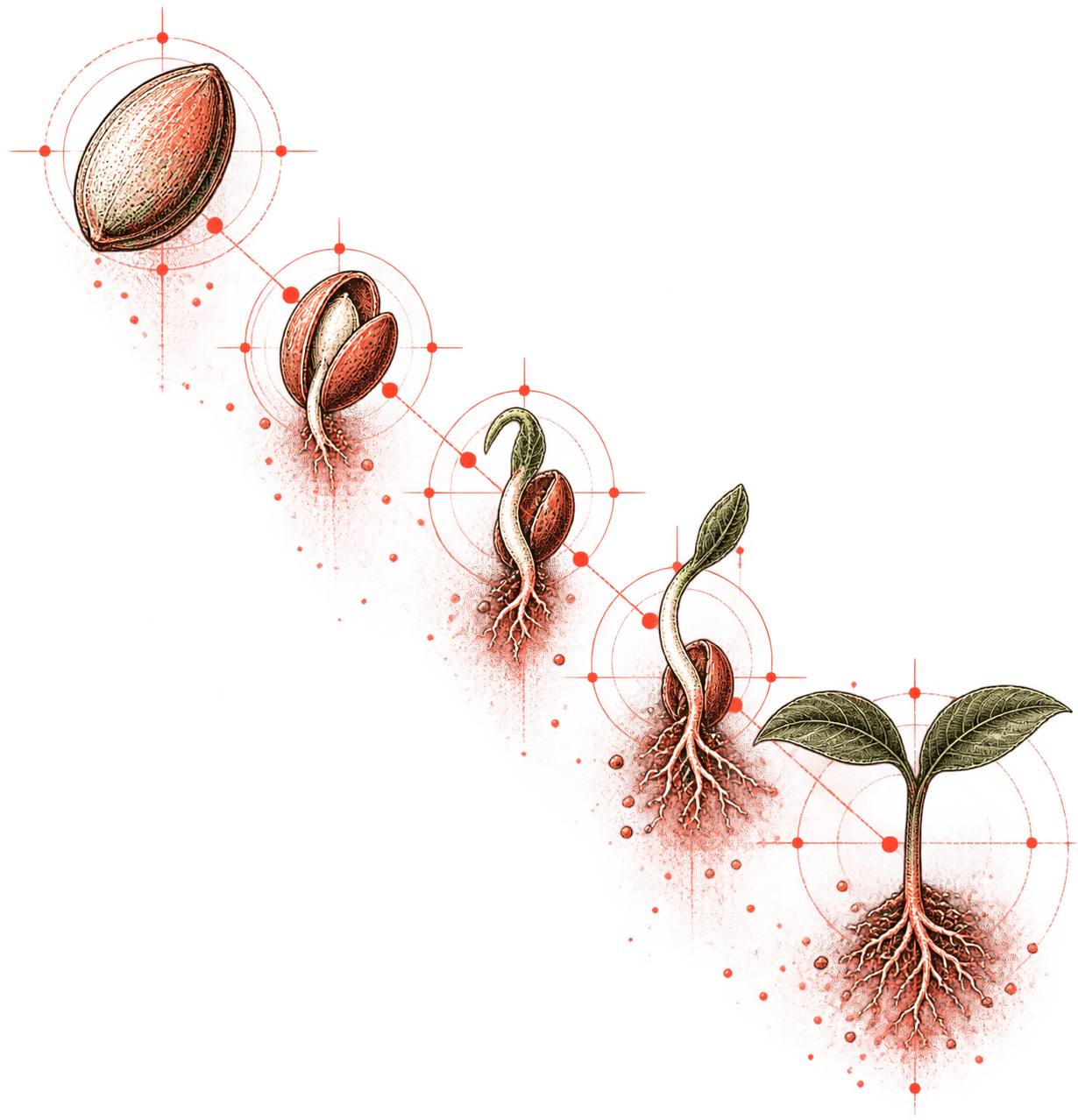
Capture first. Organize when ready.
Not every thought arrives neatly labeled. Add a Seed when you recognize a next action, even if you do not yet know which project or area it belongs to.
Unfiled Seeds remain available in Inbox until you are ready to connect them to a Grove directly, or file them under a Segment within a Grapefruit. Capture does not have to wait for perfect organization.
Keep the useful details close
A Seed can carry the information needed to act: priority, due date, comments, time, recurrence, links to people or projects, and supporting context.
That connection matters. “Send the draft” is easier to complete when the draft, reviewer, project, and decision history are all nearby.
Break down work without creating more work
Use Sprouts when a Seed contains several distinct steps. They provide a lightweight checklist beneath the task rather than forcing every small action to become a separate project item.
A Seed should remain a clear unit of work. Sprouts simply make its path to completion visible.
Find what deserves attention now
Sort Seeds by priority or due date, view their lifecycle on the Board, or use Today to gather what is due, recurring, and currently in focus.
Propagations can regenerate recurring Seeds on a cadence. When a Seed is complete, Harvest removes it from active work while preserving the option to find and restore it later.
Illustrative example
Prepare for a client review
Seed: Prepare Q3 client-review deck
Sprouts:
- Refresh performance figures
- Select three customer examples
- Draft the recommendation slide
- Ask the account lead for comments
- Run a final claims check
The Seed sits in a Segment of the Q3 Account Review Grapefruit, links to the account lead as a Branch, and keeps the current deck and source data attached as Pulp.
Today, Board, priority, and due-date views surface recorded workspace information. They do not guarantee that an item is objectively the best next action, and harvested items remain subject to workspace retention settings.
Make the next action clear.
Request an invitation to Pamplemousse. Task fields and workflows may evolve during private beta.